
How can I connect my Loog x Duolingo Piano to the Duolingo App?Updated 3 months ago
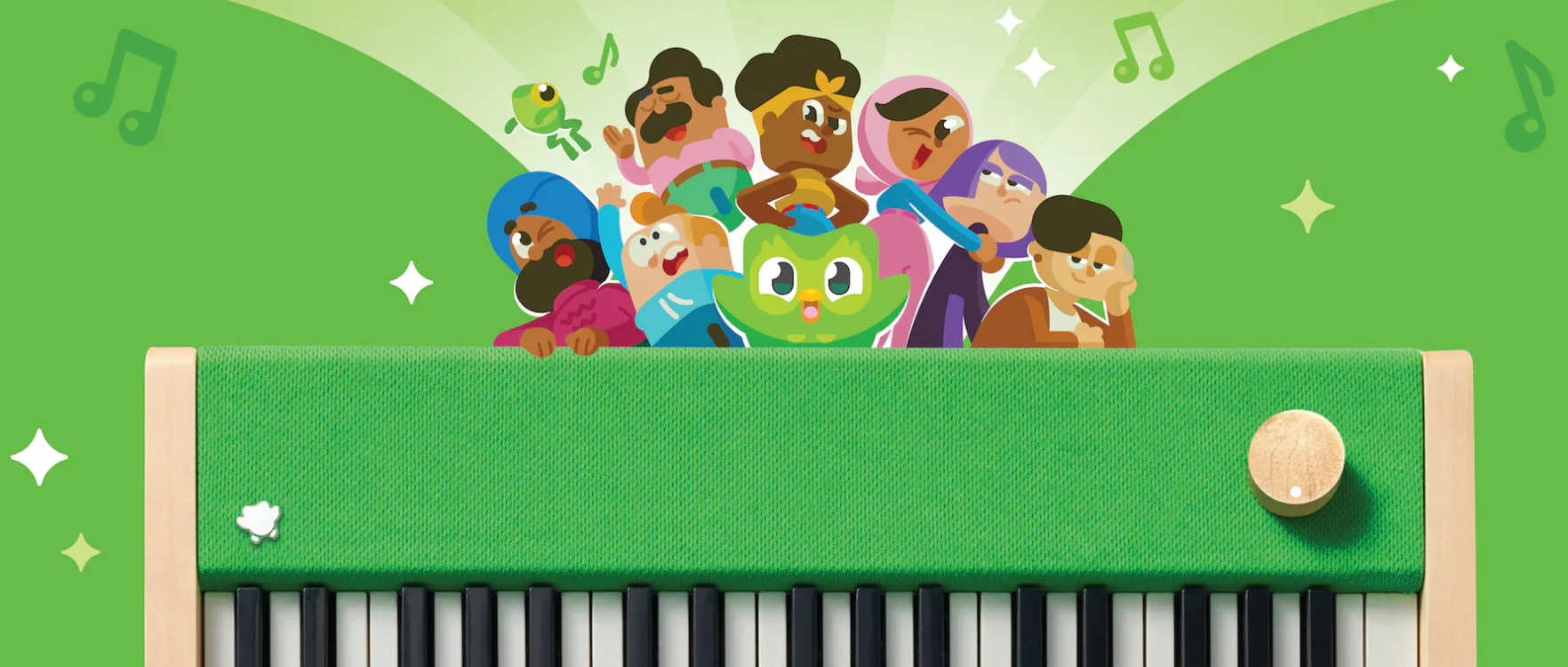
Ready to play along with Duolingo? 🎹🦉 Connecting your Loog x Duolingo Piano is easy!
📚 Follow these steps:
- Fully charge your Piano before getting started.
- Connect your Piano to your device using the included USB-C cable.
- For iOS devices with a Lightning port: You’ll need a USB 3 Camera Adapter to connect your iPhone to the Piano, along with a USB-C to USB-A cable.
- Check the connection: Once everything is connected properly, a USB indicator with a checkmark will appear in your Duolingo lesson.
- Open the Music course and start your lesson! 🎶
🎥 Need a visual guide? Check out the videos in this link for step-by-step connection instructions.
If you're having trouble connecting your Piano to the Duolingo App, contact our Customer Care team through this link. We're happy to help! 😊